In many universities around the world, students enjoy some form of control over their academic schedules - choosing courses, picking professors, and tailoring class times to fit their needs. This flexibility exists in different flavors: modular bidding systems in places like NUS, open registration in US colleges, or slot-based scheduling in IITs and BITS. At VIT, this concept takes shape as the Fully Flexible Credit System (FFCS), an ambitious platform that promises students the freedom to hand-craft their timetables, selecting subjects, faculty, and time slots with surgical precision. In theory, it’s a dream - your semester, your way. In practice, it can feel like a gladiator arena disguised as a website. The moment registration opens, thousands of students rush in, racing against crashing servers, vanishing slots, and the crushing realization that your “perfect timetable” might be gone before you even log in. It’s flexibility… wrapped in chaos.
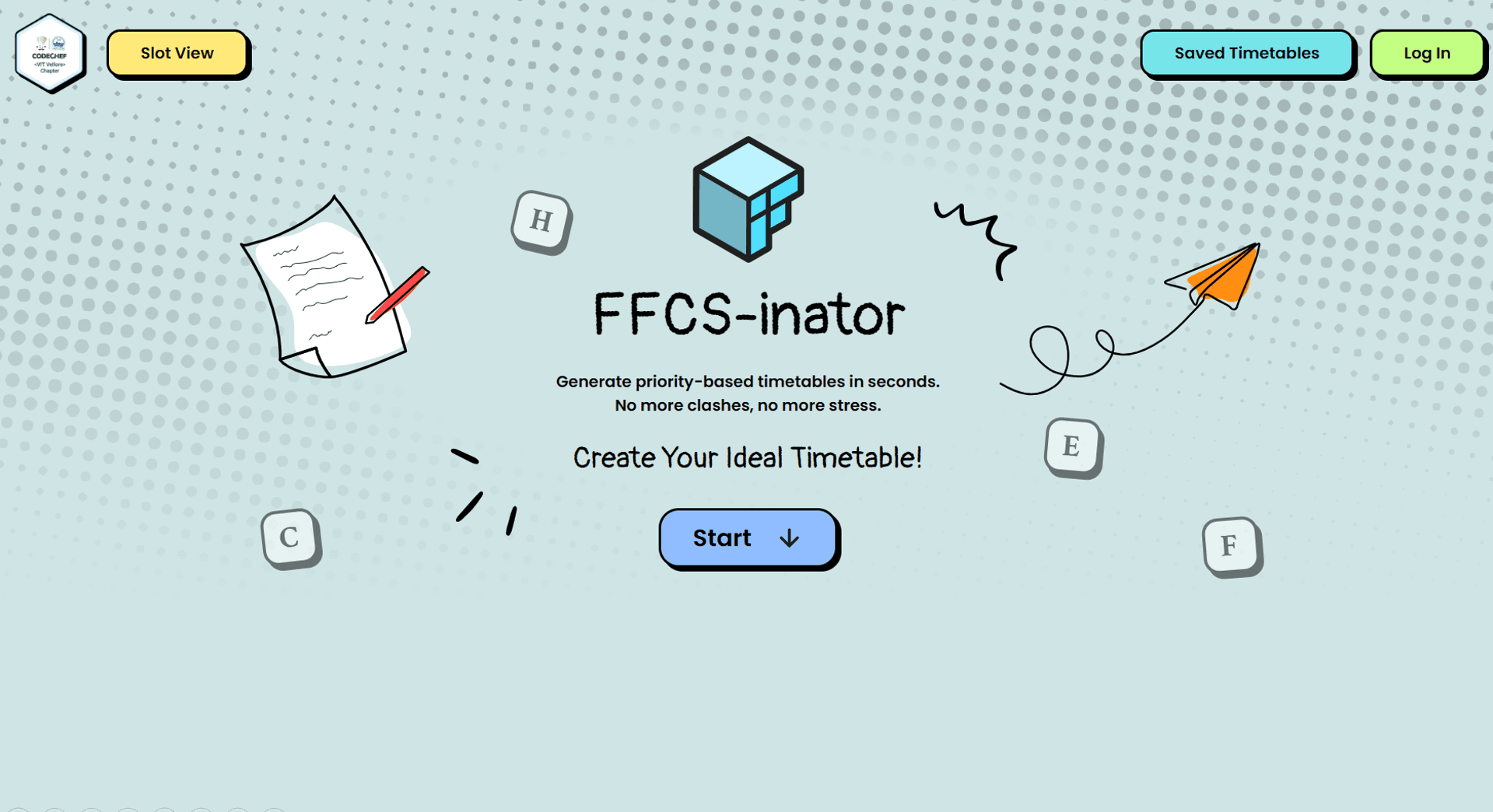
Plenty of FFCS helper tools have popped up over the years - slot viewers, faculty rating sheets, even basic timetable generators - but none truly tackled the core challenge. The dream is simple: every student getting the faculty they actually want, without hours of trial-and-error. That’s the harmony we imagined. So, we built something far more ambitious - a 2D priority-based timetable combination generator made specifically for VIT’s FFCS. By weighing both faculty preferences and subject-priority together, it can produce the most optimal schedules in an instant. FFCS-inator is a precision instrument.

Here is the build story of the platform that got you closer to your semester goals…
…and reached 30,000+ active users on campus!
About a year ago, this started as an obsession with recreating an actual, to-the-scale timetable. The one on VTOP (the VIT ERP Portal) was simply not cutting it. It felt clunky, hard to visualize, and made the reader do most of the heavy lifting just to figure out where they needed to be. It was a UI disaster.

(Figure: Timetable, as shown on VTOP) Notice how it has 4 axes for time, and barely any sizing consistency. Even the time axes contradict each other at multiple points.
All classes start or end at time gaps multiple of 10 minutes. This pattern is recurring because of the nature of timetable slots, and their division between theory and lab slots. We used it to our advantage to work on early prototypes.

(Figure: Early prototype timetable) This has quantized time windows, and every small unit cell is 10 minutes long. Theory classes: 5 units wide. Lab classes: 10 units wide. (50 and 100 minutes respectively)
Through rigorous trial-error process and crowdsourcing, we landed on the final layout, which is the most robust way to showcase timetable data. Necessary improvements that have been made include one unified time axis, with clear indication after every 10-minute interval, where classes run from 8:00 am to 7:20 pm daily, along with clear separation between theory and lab classes. There was only one limitation: public was accustomed to the old, messy table format.

(Figure: Final Layout) Easy on the eyes, Good for presenting data in digestible form.
This to-the-scale prototype seemed very promising, so further brainstorming led us to come to the decision that this would go perfectly with the FFCS-inator project, which was already in very early stages of ideation by this time.
Phase-1: Let’s talk about features
The main idea behind FFCS-inator was to build a one-stop platform that does the necessary thing which no other platform has ever done: Clash-Checked Combinations. Only faculties and subjects change each semester, the slots don’t. Sounds like an opportunity. With the information we have about the slots, we can easily map theory and lab slots together or against each-other based on if they clash or are mutually inclusive. Hardcoding the clash-map was the easy part. From a user’s perspective, they simply want the information they need in a clear and straightforward manner, without any unnecessary clutter or fuss. The WYSIWYG (What You See Is What You Get) interface makes this possible by eliminating all unwanted information and maintaining a clean, user-friendly experience.

We wanted the user to be able to not only use the platform but enjoy it as an intuitive web experience that responds intelligently to every action. Users should be able to save a particular timetable from all the combinations, share it with friends, or generate a comprehensive report. Saved timetables needed a separate space where their visibility could be set to private or public, based on user preference.
Phase-2: Design Time!
The first and most important step is to know your audience. In our case, the audience was students at our university, all of them between 18 and 22 years of age, belonging to the new generation, and highly tech-first individuals. Given this, the neubrutalist design style was the most fitting choice - it reflects boldness, authenticity, and a raw, digital-first aesthetic that resonates with the tastes of a visually dynamic, tech-savvy audience.
Vibe’s the word. Because there is nothing better than a beautifully put together bouquet of solid-shadowed, rounded-cornered boxes with vibrant looks and bold fonts that directly speak to you through the screen.
Unfortunately, we had to exclude mobile devices from the platform's operation because the small screens were not suitable for the numerous actions and buttons required to use the platform effectively


“Good Design, Development & Production practices teach us that the best app is the one that often goes unnoticed - not because it is uninteresting, but because it does its task so well that a user doesn’t even need to bother thinking about it.”
Phase-3: Data Procurement
A helper script enabled us to scrape the faculty and subject allotment data in clean, structured format for each department of each school, which was manually mapped and plugged in the software for ready-to-go processing and timetable generation.
Basic principle of its working is that the VTOP portal is secured behind the authentication, and each student belongs to a School (CS/IT/Civil/Mech/etc.) and further categorized into one department out of various departments from each school, so the subjects allotted to each student may differ to some extent.
Curriculum for each course is further divided into groups, like FC (Foundation Core), DC (Discipline Core), DE (Discipline Elective), OE (Open Elective), etc. Few groups are common to all students across the campus, few are common to only students in and school, and few groups are unique for each department.
Now when a student logs in, they can only see the subjects allotted to their department and school, so with help of few friends here and there, all from different branches, we were able to gather the static data of allotted faculties and subjects right on time for FFCS.
Phase-4: Development & The Engine Under the Hood
Let’s talk about the actual engineering. Assume an average student completes somewhere between 23 to 27 credits worth of courses each semester, and each course is about 3.5 credits-per-course on average. That means 7-8 courses per semester. Then, students have a choice of faculty for each course from the list of allotted faculties.
"If I select one faculty for each course, and keep 2 more as backup option, I will have potentially more than 5,000 possible combinations of faculties and subject." Very hard to sort through manually, no? And wait, then there is the issue of slot clash, the fear of dropping a mandatory course because its lab slot clashed with your core theory!
If we used a standard recursive algorithm to find valid timetables, your browser tab would instantly freeze, crash, and burn before you even released the mouse click. We needed something surgical, fast, and highly optimized that could run entirely client-side.
To solve this, I designed the novel non-recursive partial-product based 2D-priority algorithm.
ALGORITHM: PartialProductTimetableGenerator

INPUT:  courses[]          — list of course objects with slots, faculties, types
        discardClashes     — bool: prune clashing combos or carry partial?

OUTPUT: { result: timetable[][], clashes: string | null }

───────────────────────────

PHASE 1 — NORMALISE
  candidates ← []
  for each course in courses:
    options ← []
    if course.type is 'th' or 'lab':
      for each (slot, faculty) in course:
        options.push({ code, name, slot, faculty })

    else if course.type is 'both':
      for each (slot, faculty) in course:
        for each labSlot in faculty.labSlots:
          options.push({ code: th__lab, slot: thSlot__labSlot, faculty })

    candidates.push(options)

───────────────────────────

PHASE 2 — PARTIAL-PRODUCT EXPANSION
  accumulator ← [ [] ]        ← seed: one empty timetable
  clashGroups ← {}            ← slot → set of conflicting (course, faculty) pairs
  seenPairs   ← {}            ← dedup set for clash messages

  for each option_list in candidates:
    next ← []

    for each partial in accumulator:
      occupied ← expand(partial)   ← all slots + their clashMap aliases

      for each candidate in option_list:
        cSlots ← expand(candidate.slot)

        if cSlots ∩ occupied = ∅:                     ← NO CLASH
          next.push([...partial, candidate])

        else if not discardClashes:                    ← SOFT MODE
          next.push([...partial])                      ← carry partial as-is

        else:                                          ← HARD MODE + RECORD
          for each (a, b) in partial × {candidate}:
            clashing_slot ← first slot in expand(a) ∩ expand(b)
            if (a.faculty, b.faculty) not in seenPairs:
              seenPairs.add(pair)
              clashGroups[clashing_slot].add(a.faculty + " for " + a.course)
              clashGroups[clashing_slot].add(b.faculty + " for " + b.course)

    accumulator ← next          ← replace — O(1) swap, not append

───────────────────────────

PHASE 3 — FINALISE
  result ← breakClubbed(accumulator)   ← split "A1__L1" → discrete slots

  if result = [] and clashGroups ≠ {}:
    clashMessage ← format clashGroups into human-readable conflict report

  return { result, clashes: clashMessage | null }

───────────────────────────

HELPER: expand(slotString | partial)
  split on '+' and '__'
  for each raw slot:
    include slot itself
    include clashMap[slot] aliases     ← handles VIT's slot equivalences
  return flat deduplicated set
Instead of generating every possible combination and then checking for clashes (which is computationally heavy and inefficient), the algorithm uses a partial-product approach. It evaluates courses iteratively, cross-referencing slots in real-time. If Subject A's lab (L1) clashes with Subject B's theory (A1), that entire branch of combinations is instantly pruned from the matrix. Hence, we don't have to worry about any recursion or memory leaks, and it keeps the DOM buttery smooth.
Wait that's just one-dimensional checking; wasn't it supposed to be a "2D Priority Algorithm"? Of course it is! The engine mathematically weighs both the priority of the Subject (e.g., you desperately need this mandatory core course) and the priority of the faculty (e.g., you really, really want that specific professor).

This culminated in the ultimate feature: the "All Subjects Mode". By leveraging our optimized algorithm, the engine can crunch massive permutation trees and hunt down the perfect combination where every single one of your selected subjects fits flawlessly into the grid without a single clash. It manages all of this complex state using heavily fortified TypeScript models and Context (TimeTableContext.tsx), ensuring that no matter how messy VIT's course catalog gets, the app’s logic remains strictly typed and unbreakable.
Table1 : Architectural Component Analysis
Component | Technology | Primary Function | Justification for FFCS Domain |
Frontend Framework | Next.js (React) | UI Rendering & Routing | Enables SSR for fast load times of large faculty lists; simplifies API integration. |
Language | TypeScript | Logic & State Management | Enforces type safety across complex, nested academic data structures; prevents runtime errors. |
Styling Engine | Tailwind CSS | Visual Presentation | Facilitates complex grid layouts for timetables; ensures mobile responsiveness. |
Database | MongoDB | Saved Timetable Storage | To store the timetables saved by users post-login, and maintaining the share-IDs & visibility status |
Export Engine | pdfmake / ExcelJS | Data Portability | Allows client-side generation of schedule files, reducing server load and enabling offline access. |
Table 2: Algorithmic Complexity Profile
Operation | Implementation Strategy | Time Complexity | Notes |
Clash Check | Hash Map / Conflict Matrix lookup | O(1) | Constant time lookup is essential for real-time UI feedback. |
Search/Filter | Client-side array filtering | O(N) | N = Total Faculty. fast enough for N < 10000 in modern JS engines. |
Timetable Gen | Depth-First Search with Pruning | O(B^D) | Exponential worst-case but strictly bounded by small D (number of subjects ~6-7). |
Grid Rendering | Direct Index Mapping | O(C) | C = Selected Courses. Rendering is linear to user selection |
Phase-5: Furthermore...
Well, you generated timetables, now what? Up till here was only half the story. You can not only generate priority-based clash-free timetables, ...but you can also (drumroll...) Save, Share and Download them!
Users can download a whole report, which helps them take informed decisions during actual course registration. A simple tabular report is generated in PDF form that you can save on your desktop and take a printout. Further explanation is useless, see this screenshot instead:

(Example of a generated report with priority-ordered data of selected courses and faculties, alongside clear indication of clashes, if any)
Logins are boring, for both - users and developers. They take away precious time of your life. Which is why, login (OAuth) with Google (VIT Student ID) has only been made required for features like saving and sharing a timetable combination. If a user really likes a specific timetable out of the roster, they can seamlessly save it by authenticating themselves with official university ID, and simply giving the timetable a name, like say, "Too Optimistic Morning Theory".


Moreover, all saved timetables can be shared with anyone (does not need login to view a shared timetable) by flipping a switch and setting a saved timetable from PRIVATE to PUBLIC. All this was made possible with the help of DB integration powered by MongoDB and a lot of coffee.
Aftermath
The project was completed in June 2025 after two whole weeks of sleep-deprivation. It gained 10k users in just 3 days, and another 20k over next 5 months, since course registration only happens twice a year. Analytics also show that average engagement time was around 3 minutes. Meaning - we were able to cut down the FFCS planning time by about 85%, indicating a big population shift from manual planning to smart planning for course registration.

I am most definitely missing a lot of things to add and a lot of challenges we faced while making this happen, along with many itty-bitty things that can be potentially improved in the future.
Gratitude

Special thanks to Dr. Doofenshmirtz for inspiring us come up with this creative name, "FFCS-inator"
Oh, did I forget to mention?

Sept 15, 2025: Honored with the "Best Club Project" Award during the Engineer's Day Ceremony at VIT Vellore
It was really fun (and equally exhausting) to work on this project, but the final results were definitely worth the effort.

I thank my seniors and juniors who helped with any part of the process in making this idea come alive, I thank my team who tolerated me through the weeks of literally sleepless dev cycles, and most importantly I thank all the users, who made this a big success. I also thank Beyoncé.
And thank YOU if you read it all till the end :)